> For the complete documentation index, see [llms.txt](https://swilia.gitbook.io/swilia-docs/llms.txt). Markdown versions of documentation pages are available by appending `.md` to page URLs; this page is available as [Markdown](https://swilia.gitbook.io/swilia-docs/swilias-usage-modpack/information.md).
# Information
Swilla's Usage modpack is a v1.21.4 only modpack that isn't for optimizing, but to give an experience, making it a difference from the rest
## Here's how it compares
| Feature | Fabulously Optimized | Simply Optimized | Remarkably Optimized | Performium | Sodium Plus | Swilla's Usage ModPack |
| ----------------------------------------------- | :------------------: | :--------------: | :------------------: | :--------: | :---------: | :--------------------: |
| Mojang Screen Removed (Game Boot) | ❌ | ❌ | ❌ | ❌ | ❌ | ✅ |
| Minecraft Options Configured By Default | ❌ | 🟨 | 🟨 | 🟨 | 🟪 | ✅ |
| Loading Terrain Removed | ❌ | ❌ | ❌ | ✅ | ❌ | ✅ |
| Fast Quitting Worlds (Quit Fast Mod) | ✅ | ❌ | ❌ | ❌ | ❌ | ✅ |
| Resource Pack Screen (Changing Packs) Removed | ✅ | ❌ | ❌ | ❌ | ❌ | ✅ |
| Zoom way better (Zoomify) | ✅ | ❌ | ✅ | ❌ | ❌ | ✅ |
| Mod Menu | ✅ | ❌ | ✅ | ✅ | ✅ | ✅ |
| Server Resource Pack Control | ❌ | ❌ | ❌ | ❌ | ❌ | ✅ |
| Pack Downloader and many more in-game | ❌ | ❌ | ✅ | ✅ | ❌ | ✅ |
| Resource Explorer (Resource Pack Folder Viewer) | ❌ | ❌ | ❌ | ❌ | ❌ | ✅ |
Notes
##
Tested on version 1.21+ only, on modpack versions:
Fabulosly Optimized - Fabulously Optimized 6.5.0-beta.10
Simply Optimized - Simply Optimized 1.21.4-2.0.1
Remarkably Optimized - Remarkably Optimized 1.13.1
Performium - Performium v1.1.0-Release+1
Sodium Plus - Sodium Plus 2.3.1-beta.1
##
Section 2 for Sodium Plus - Configured but not the music or etc
Section 2 for Remarkably Optimized - GUI Scale is not configured (Defaults to auto), And there's only the built in Frabic Packs with Resource Packs from a Mod Only
Section 2 of Performium - Barely Configured, but not the FOV, neither the Resource Packs that cames with the modpack are enabled
Section 2 of Simply Optimized - GUI Scale set to 3, nothing else
### But what does change even?
#### Worlds
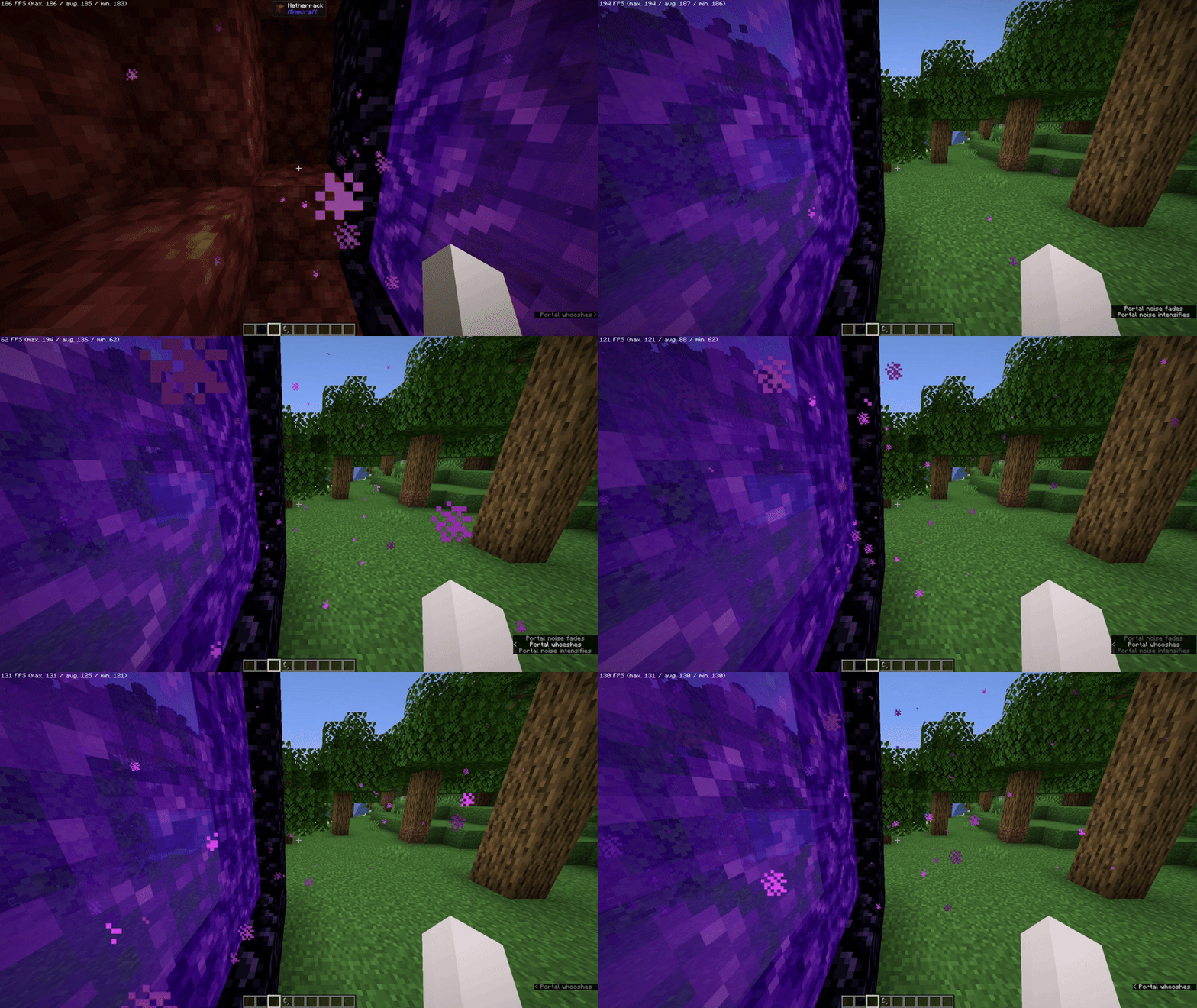
It Removes "Loading Terrain..." forever and ever (And Loads Fast!) when changing worlds/creating worlds, so it doesn't feel like a pain to watch
 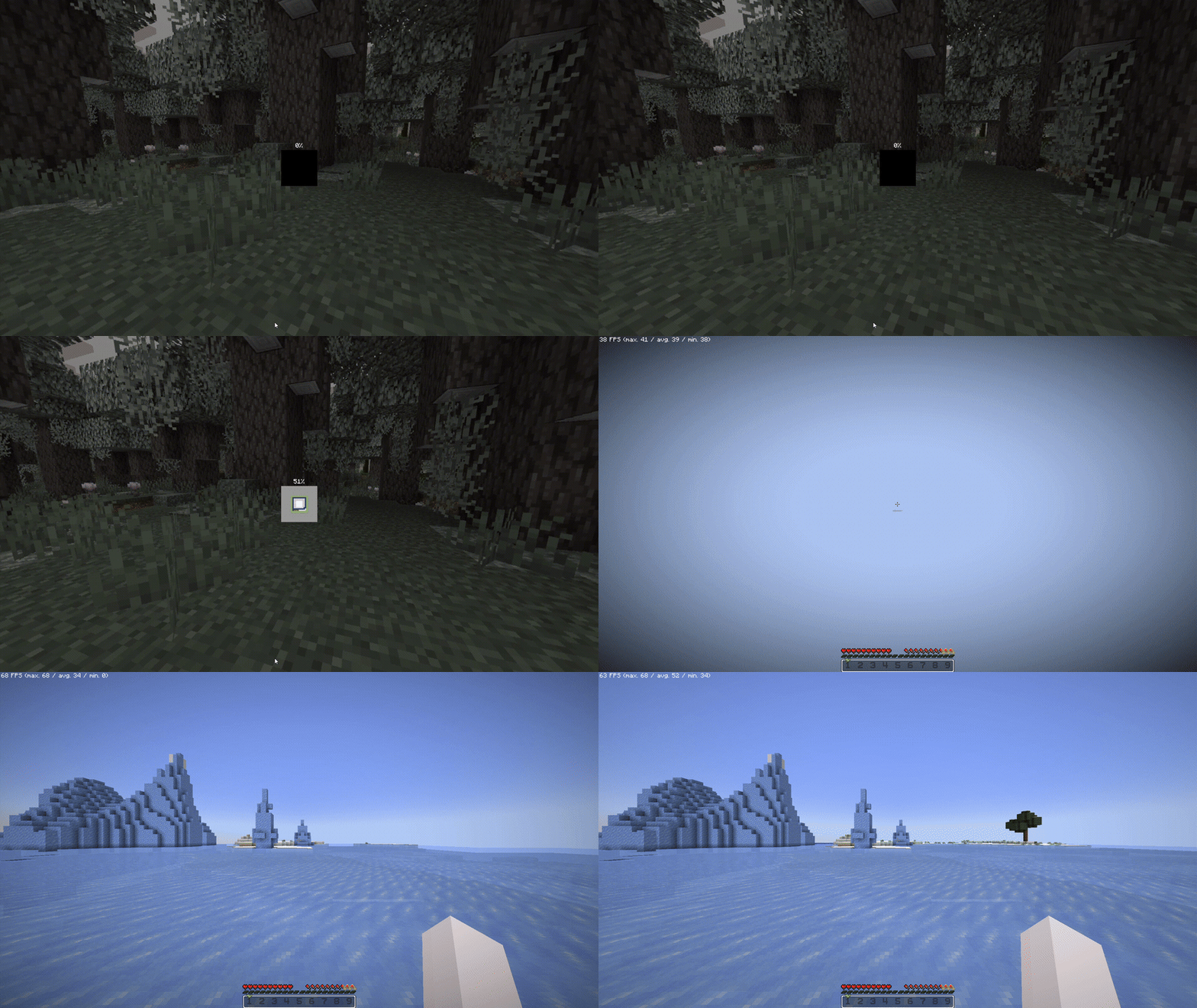
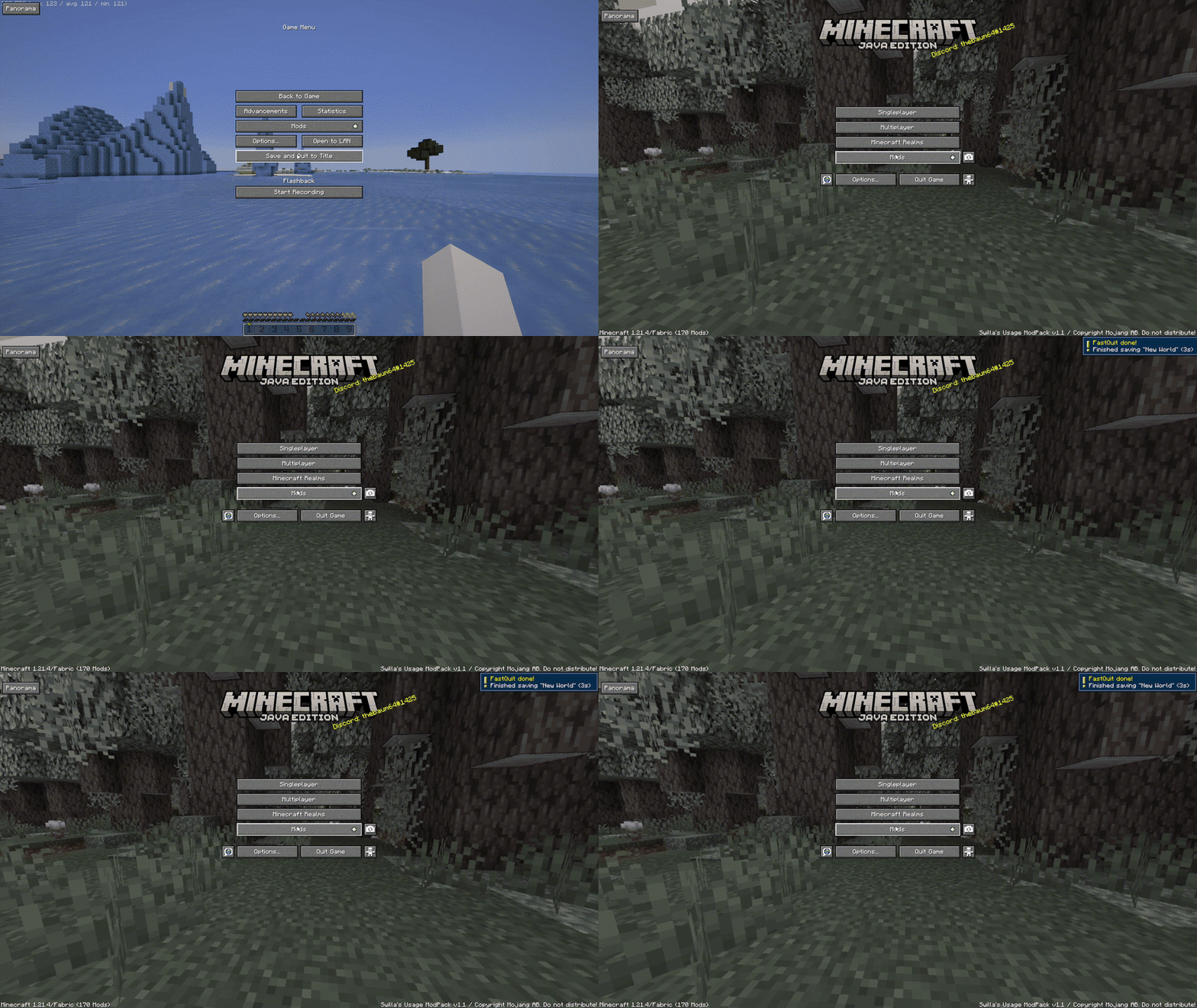
When saving worlds, you will be already at the menu, as the world is saved in the background (Shown at the top right)
#### Resource Packs
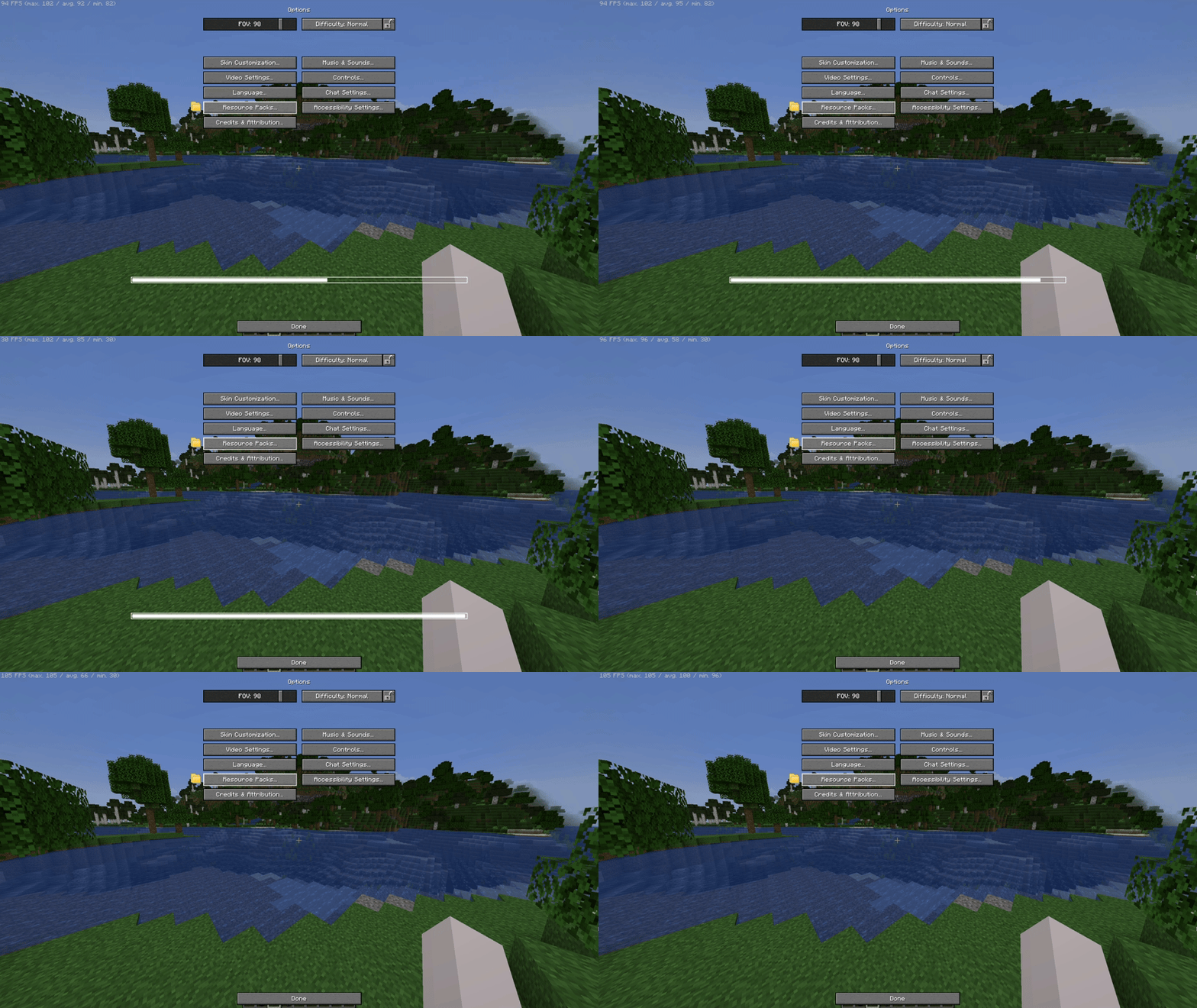
It removes the Mojang/Loading screen when changing any resource pack, so you can move while it loads on the background
#### Server Resource Packs
You can control the way Server Resource Packs are, not from the usual "Accept or don't connect", you can either Ignore (Accepts but doesn't apply - Works on servers) Accept it, but with a check if you want the server to override (Change) the existing resources from your enabled Resource Packs on your client!

#### Game Launching
The game will boot in the menu instantly, as because of the Loading Screen and The Mojang Logo is removed!

## Other
#### HUD and UI
The UI is from [Catppuccin UI](https://modrinth.com/resourcepack/catppuccin-ui) While if you want, you can apply the [Etsan's Better Hotbar](https://modrinth.com/resourcepack/etsans-better-hotbar) or [AxeFactor](https://modrinth.com/resourcepack/mobregons-2k-pack) for PvP!\*


\*On Versions starting 1.2 and above, not [v1.2 (Beta 1)](https://modrinth.com/modpack/swilias-usage-modpack/version/v1.2b1) and below
#### Flashback built in
If you want to record your gameplays, [Flashback](https://modrinth.com/mod/flashback) is built in here, you simply need to Start The Recording

#### Download DataPacks/Resource Packs/Shaders/etc...
You can download worlds\*, resource packs, shaders and other stuff in-game, from modrinth or curseforge!
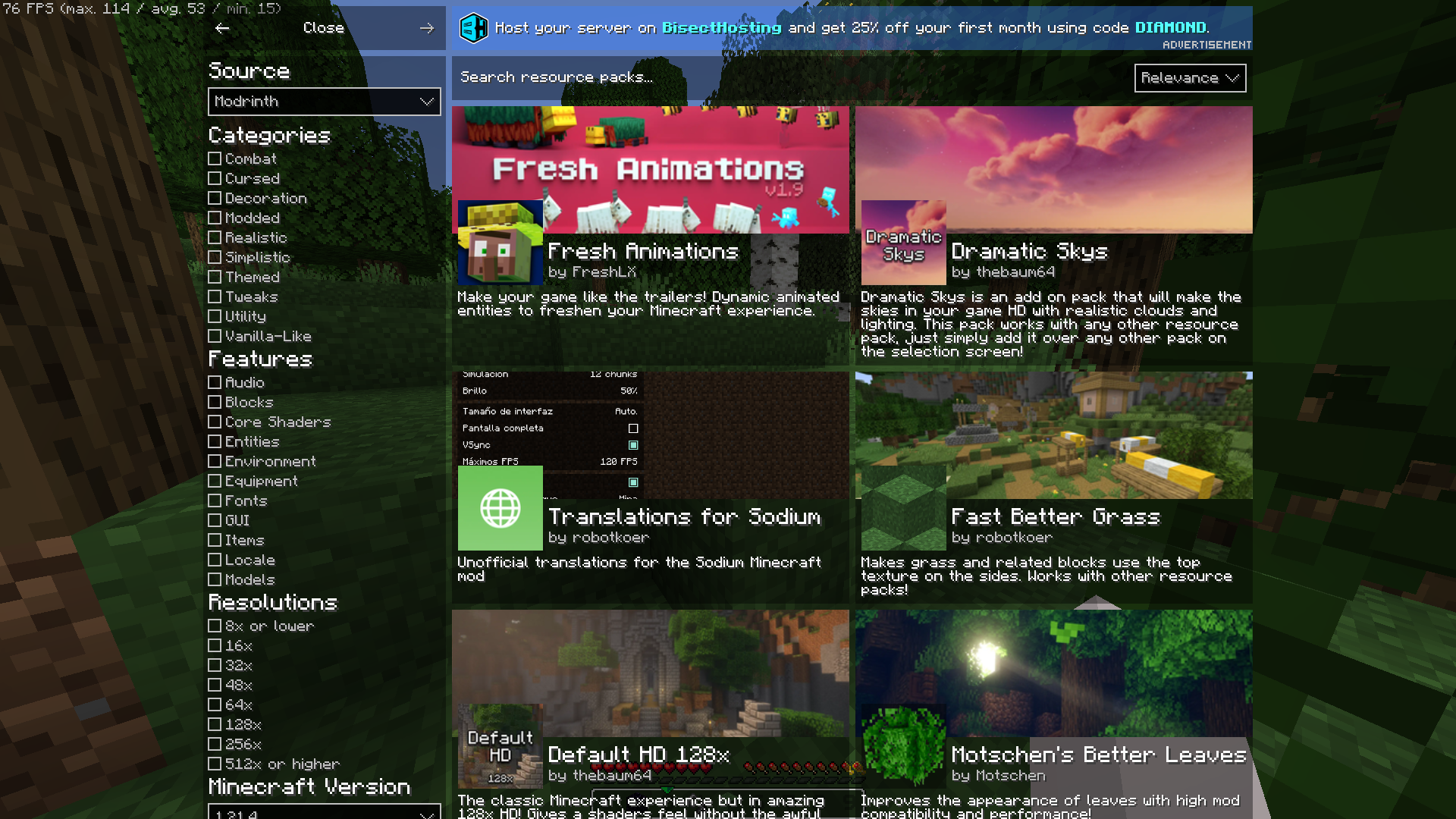
\*Worlds are CurseForge Only
#### Information when looking in a block
I mean, you can see which block is even if its from a resource pack

#### Player Heads
Player Heads will show on chat when they chat, or with server messages

#### Pre-Built in Worlds
The ModPack Comes with prebuilt in worlds to test already the modpack\*\*!

*
*\*The modpack will take a while to extract before downloading mods*
*\*Worlds from CurseForge:*
*Medieval Port City by* [*ForgiaDeiBuilder*](https://www.curseforge.com/members/forgiadeibuilder) *&* [*Millenniar*](https://www.curseforge.com/members/millenniar)
*Voidblock by* [*LoweredgamesDev*](https://www.curseforge.com/members/loweredgamesdev/projects)
*Xbox Tutorial 31 by* [*noxgame1230*](https://www.curseforge.com/members/noxgame1230/projects)